NEW v0.1.6 channel-dataset npz export from the GUI · reproducible scene hashes · path-buffer control —
pip install -U seam-studio
Scene-to-Electromagnetic Authoring and Mapping
SEAM Studio
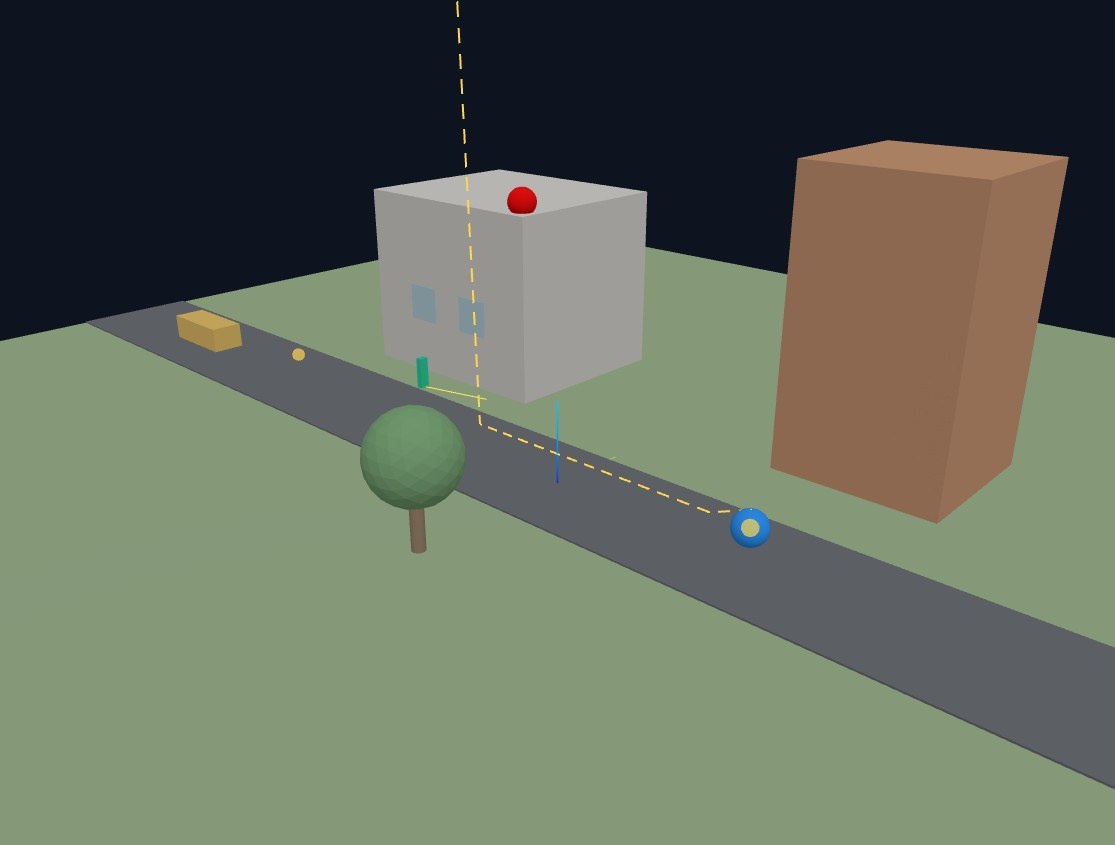
A local-first, AI-assisted RF digital twin workbench. In one textured 3D scene,
every mesh carries two material bindings — visual (PBR) and electromagnetic (RF). The
canonical scene compiles into a Sionna RT projection, and ray paths and radio maps come back
as overlays in the same viewport. No GPU, no Sionna, no LLM required.
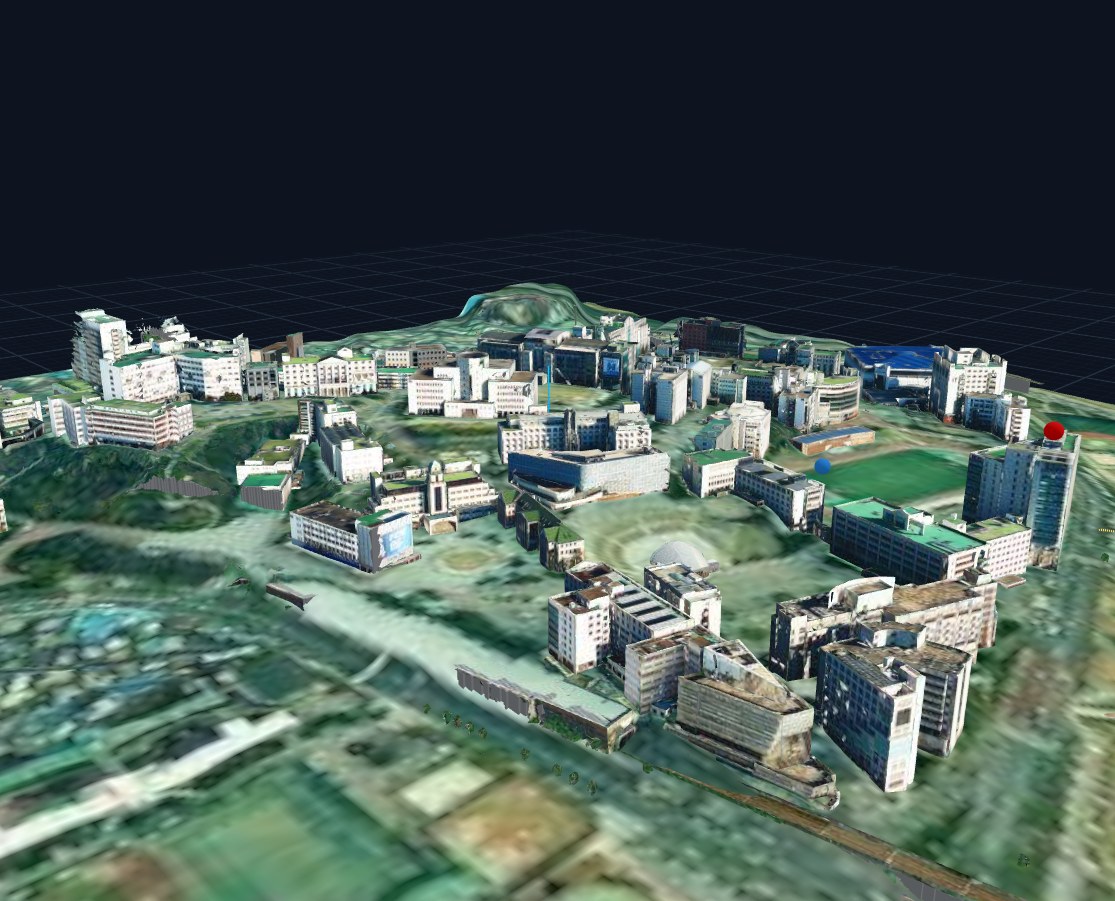
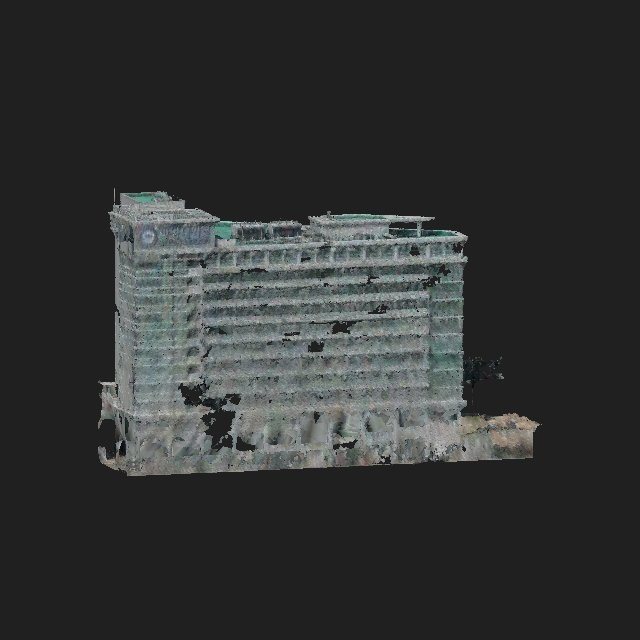
HYU campus · drone/aerial-textured twin, imported & rendered in SEAM Studio
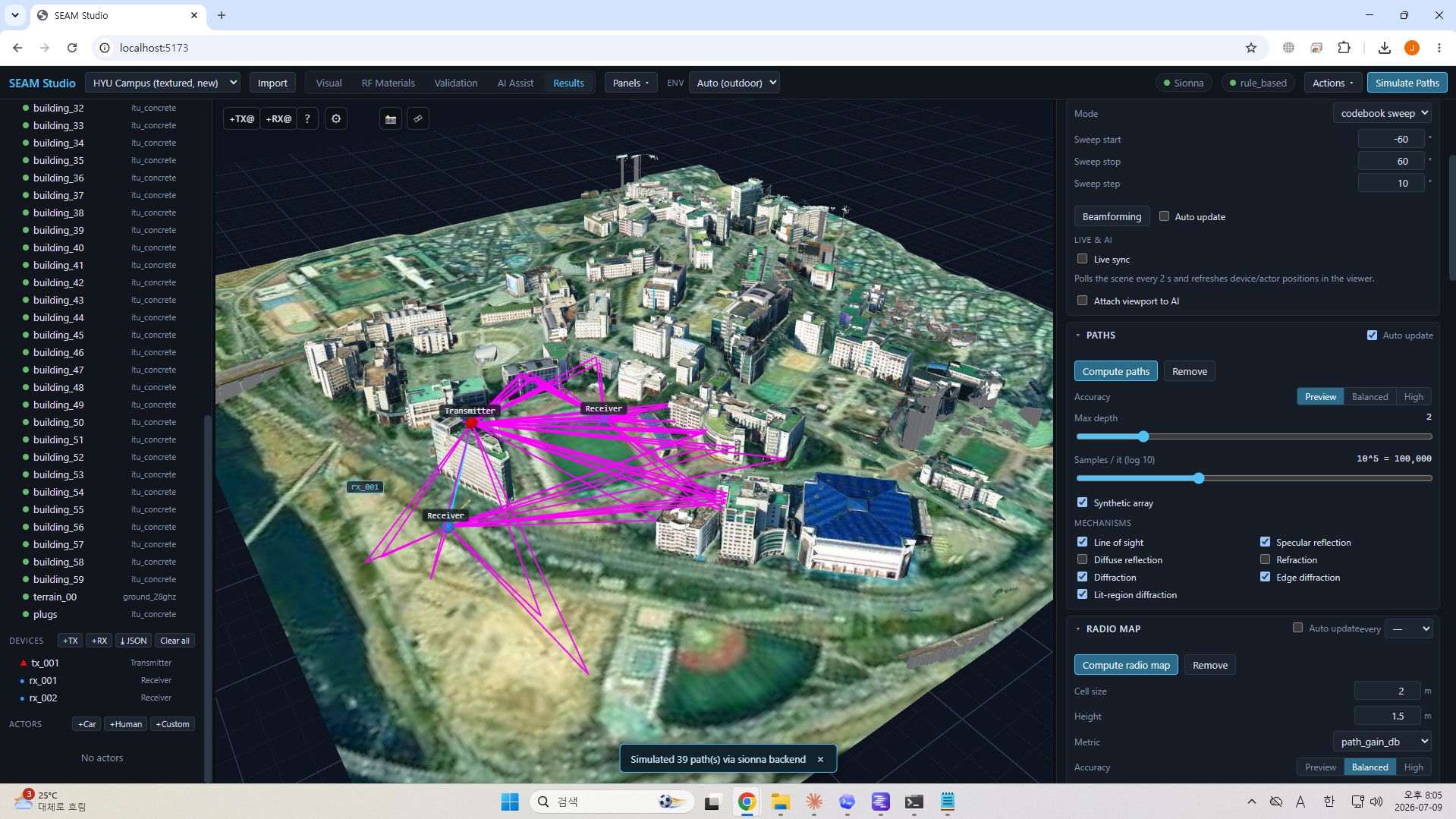
SEAM Studio, in one view — the 3D scene viewport, the Visual / RF Materials / Validation / AI Assist / Results modes, and a live communication-metrics dashboard in a single workbench.
What it does
From scene import to radio propagation, on one screen
Import Mitsuba XML, zip bundles or an OpenStreetMap rectangle; assign and validate
RF materials; run 28 GHz ray tracing; and paint the results back onto the same scene.
A local LLM/VLM harness observes buildings in multi-view, augments with web evidence, and proposes materials.
triangle-id back-projection → per-face segments
observable activity trace + evidence cards
confidence · provenance · user approval
Pipeline
Unsegmented mesh → Sionna-ready RF scene
1 · Import
Mitsuba XML / zip / OSM. Textures are stored twice: viewer GLB + full-resolution AI evidence.
2 · Segment
Per-face splits from heuristics, a local VLM, or an uploaded SAM2 mask.
glassconcretemetalground
3 · Assign
SEAM-Agent proposals + user review. Every decision recorded with provenance.
4 · Compile
Per-material PLY groups + clean Mitsuba XML with ITU bsdfs, generated automatically.
5 · Solve
Sionna RT (or Mock) paths & radio maps → overlaid on the same viewport.
In action
The tool in operation
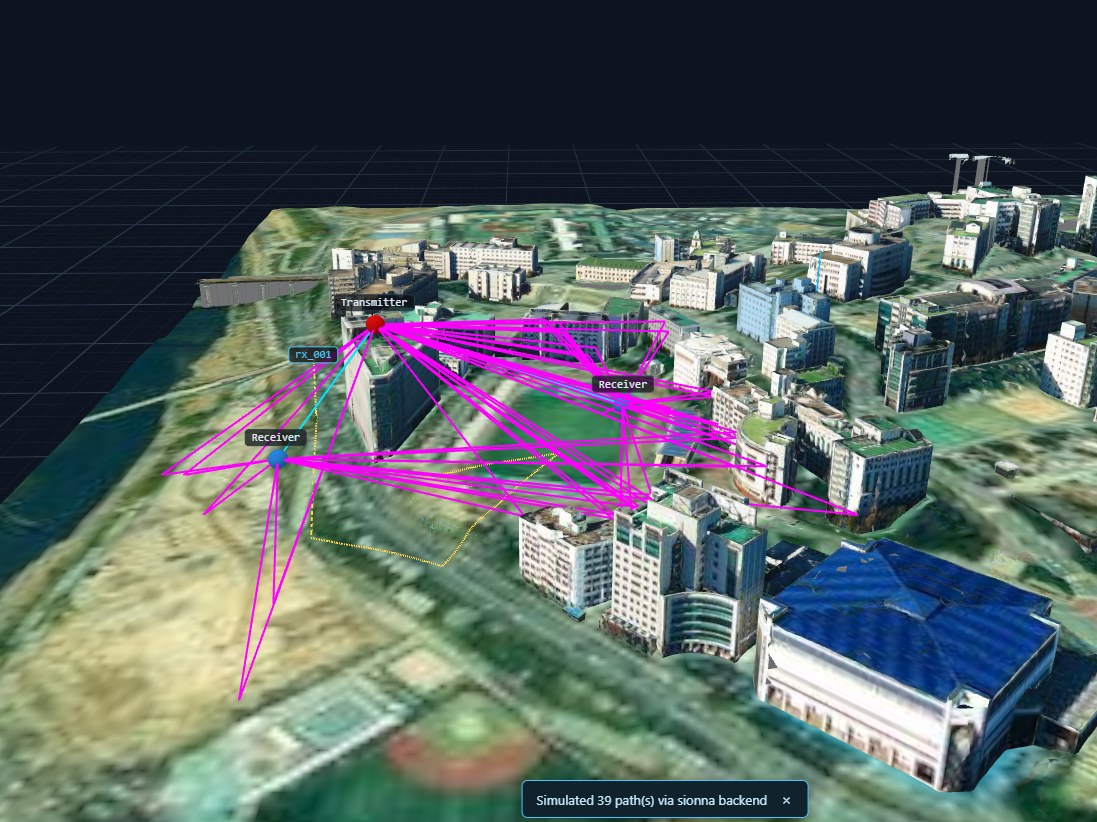
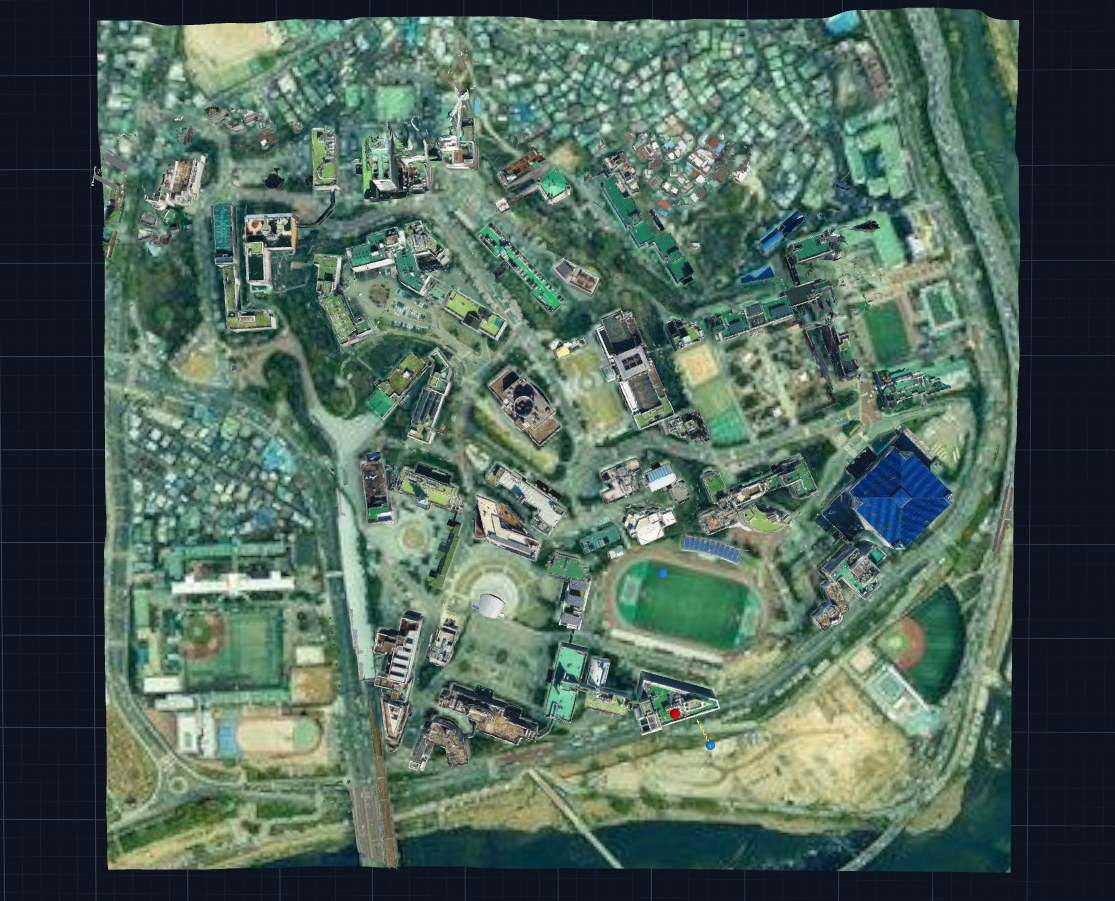
Sionna RT ray tracing — 39 paths (LOS cyan · reflections magenta) between one TX and two RXs on the campus twin, solved by the real Sionna backend.Campus twin, top-down — aerial textures on continuous terrain, with view snaps (1/3/7) and an infinite grid.Sample Demo — TX/RX placement and height-above-surface (AGL) editing; the tutorial scene runs on the Mock backend alone.Drone-mapped FTC building — the orthographic multi-view capture that SEAM-Agent sees.
Trajectory playback
RF metrics that follow a moving UE
A real screen recording: a UE moves along a terrain-draped trajectory and the ray
paths re-solve at every position.
Capabilities
A closer look at the features
Under the three pillars sit the tools you run experiments and write
papers with — from link analysis to dataset generation.
Channel analysis & live tuning
Link budget, CIR/CFR, K-factor, RMS delay spread, and empirical path-loss models
(incl. 3GPP 38.901) compared against RT. Change frequency, bandwidth, TX power, noise figure
or SCS and the analysis re-runs instantly, including TS 38.215-style RSRP/RSSI/RSRQ.
Multi-TX interference & SINR
Ray-traced received powers from all non-serving TXs sum into co-channel interference:
SINR = S/(I+N). Selectable serving cell, SINR radio maps, and a per-cell serving-TX map.
MIMO beamforming
Codebook sweep / TX-MRT / SVD beamforming gains computed on the actual ray channel
(~12/24 dB validated at 4×4).
Mesh radio maps + region refinement
Coverage painted per triangle on real surfaces — walls, floors, roads — instead of a
horizontal plane, with region-of-interest re-solves at finer cell sizes.
Trajectory RF metrics & terrain following
Sample RSS, path gain, RMS delay and SINR along UE trajectories. Trajectories drape onto
terrain and rooftops instead of tunneling through hills, and devices are placed by
height-above-surface (AGL).
Material segmentation & splitting
Split a monolithic building mesh into per-material faces from a texture mask (color
heuristic / local VLM / uploaded SAM2 mask), or split merged meshes into connected
components. Every split keeps a GLB backup and is undoable.
Measurement-driven calibration
Import measured link CSVs to grid-fit material parameters, tell visually identical
materials apart from measured path gains, and quantify how much an assignment matters via
NMSE and capacity deltas.
Metrics dashboard & paper-ready export
Link KPIs and CIR/CFR/Doppler/path-loss charts in a white-background serif paper style —
every chart has built-in PNG/SVG/CSV export. Viewport capture and offline Mitsuba renders
included.
Datasets & AODT interop
Generate ML ground-truth datasets (npz + metadata), export the AODT RFData contract, and
import NVIDIA AODT parquet results into the same schema.
Natural-language rules & validation explanations
Turn “windows are glass, concrete walls are itu_concrete” into reviewable assignment
rules applied in bulk, and get validation warnings explained in plain language with
one-click actions.
Result reproducibility & live events
Every result is stamped with scene/assignment/config hashes plus a config snapshot, so
stale results get badges; compile and simulation progress streams over WebSocket.
Live sync POST /live/state
Inject real-world positions from GPS, mocap or logs into the loaded scene — the viewer
follows in real time and can re-simulate immediately for a measure → sync → predict loop.
SEAM-Agent
“This building is the Hanyang FTC” — one line is enough
Give the agent a hint and it retrieves real exterior photos from the web, while a
local VLM extracts material cues and fuses them with multi-view observations. The whole run is
an observable activity trace, and nothing is applied without your approval.
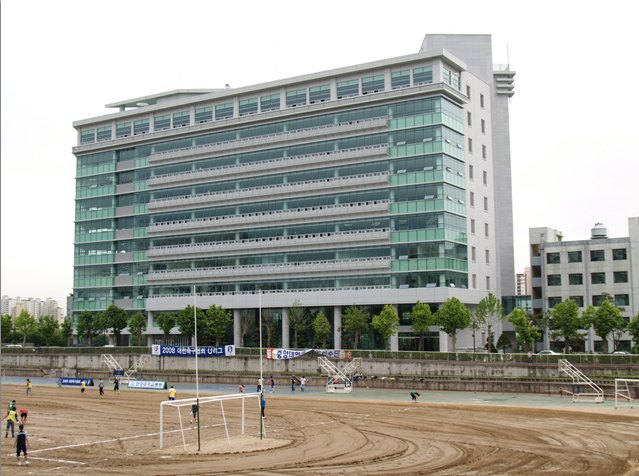
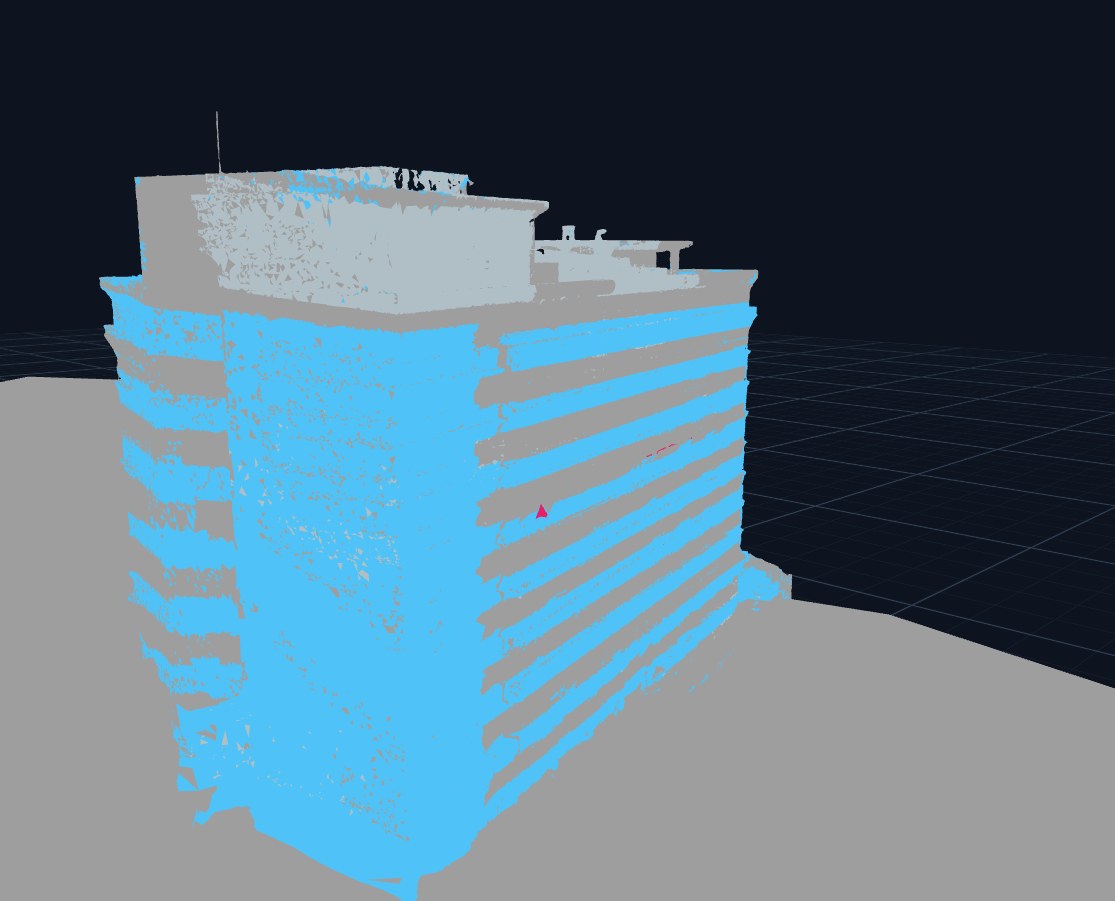
Left: the real FTC exterior photo the agent retrieved
(Modamoda,
CC BY 3.0, Wikimedia Commons) · Right: the same building's drone-mapped mesh after
per-segment assignment, in RF material color mode (glass curtain wall = blue, concrete = grey)
[done] web_search "Hanyang University Fusion Technology Center FTC exterior"
[done] 6 photos retrieved · Wikimedia + hyu.wiki
[done] VLM claim: "glass curtain wall, white concrete structure"
# pre-built UI bundled in the wheel — Node.js not needed
# sionna-rt ray tracing installs as a base dependency
# first run seeds a Sample Demo project in ~/.seam/projects
Developing or using the repo examples? — from source
Prerequisites: Python 3.11–3.14; the source route also
needs Node.js 20+ on your PATH
(Windows: winget install OpenJS.NodeJS.LTS, then open a new terminal).
Everything else is handled for you, including the real sionna-rt
ray-tracing engine — it is a base dependency, and the app falls back to the bundled Mock backend
whenever Sionna cannot load. An NVIDIA GPU and a local LLM (LM Studio/Ollama) are optional upgrades. See
INSTALL.md ·
TUTORIAL.md ·
or start with the illustrated user guides.